Getting started
Create your login, learn the layout, and get your team in.
 1 / 4
1 / 4
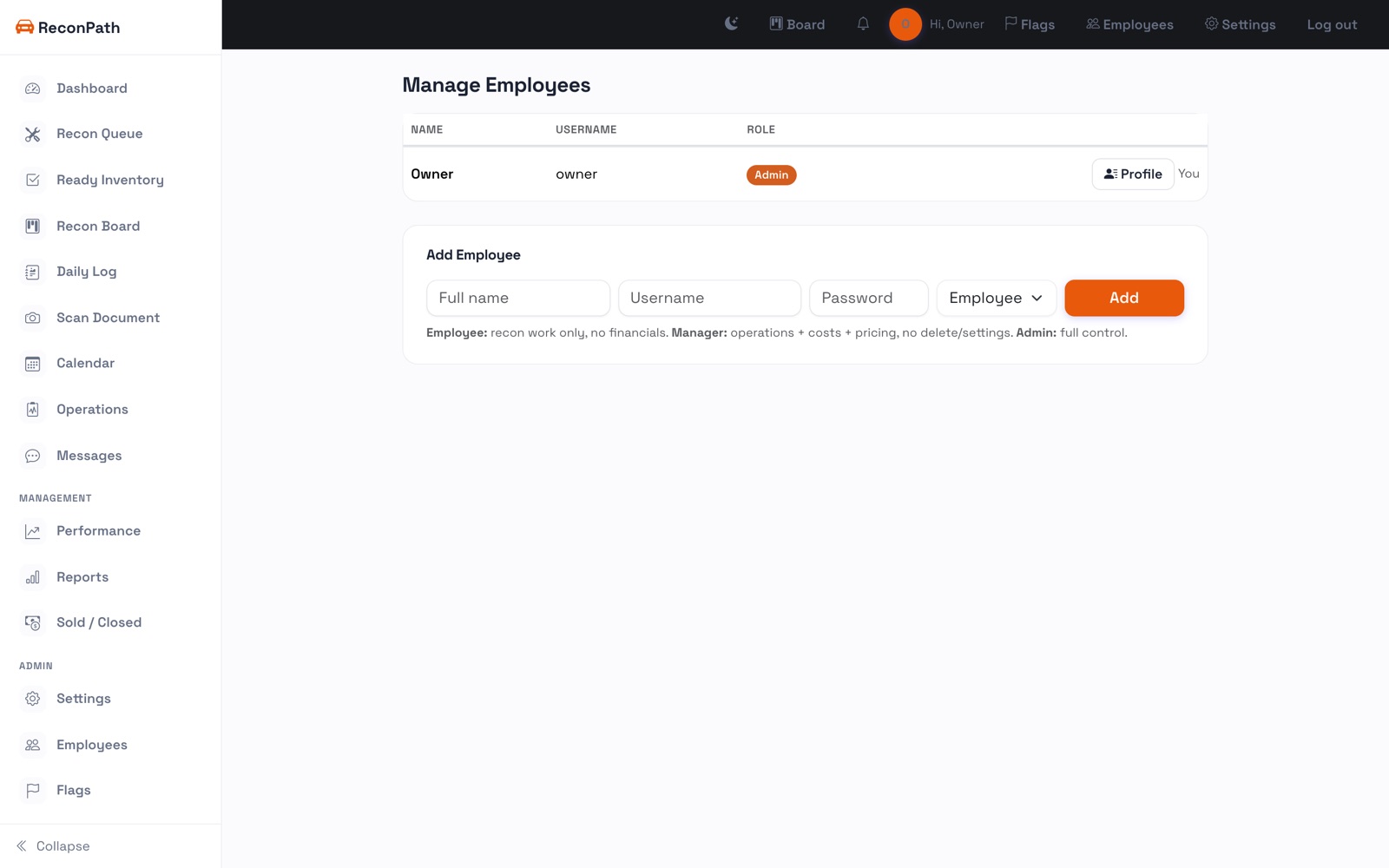
When you open your ReconPath workspace for the first time, you'll see a one-time setup screen. Enter your full name, a username, and a password to create the owner account. That's the account that can add everyone else.
The layout
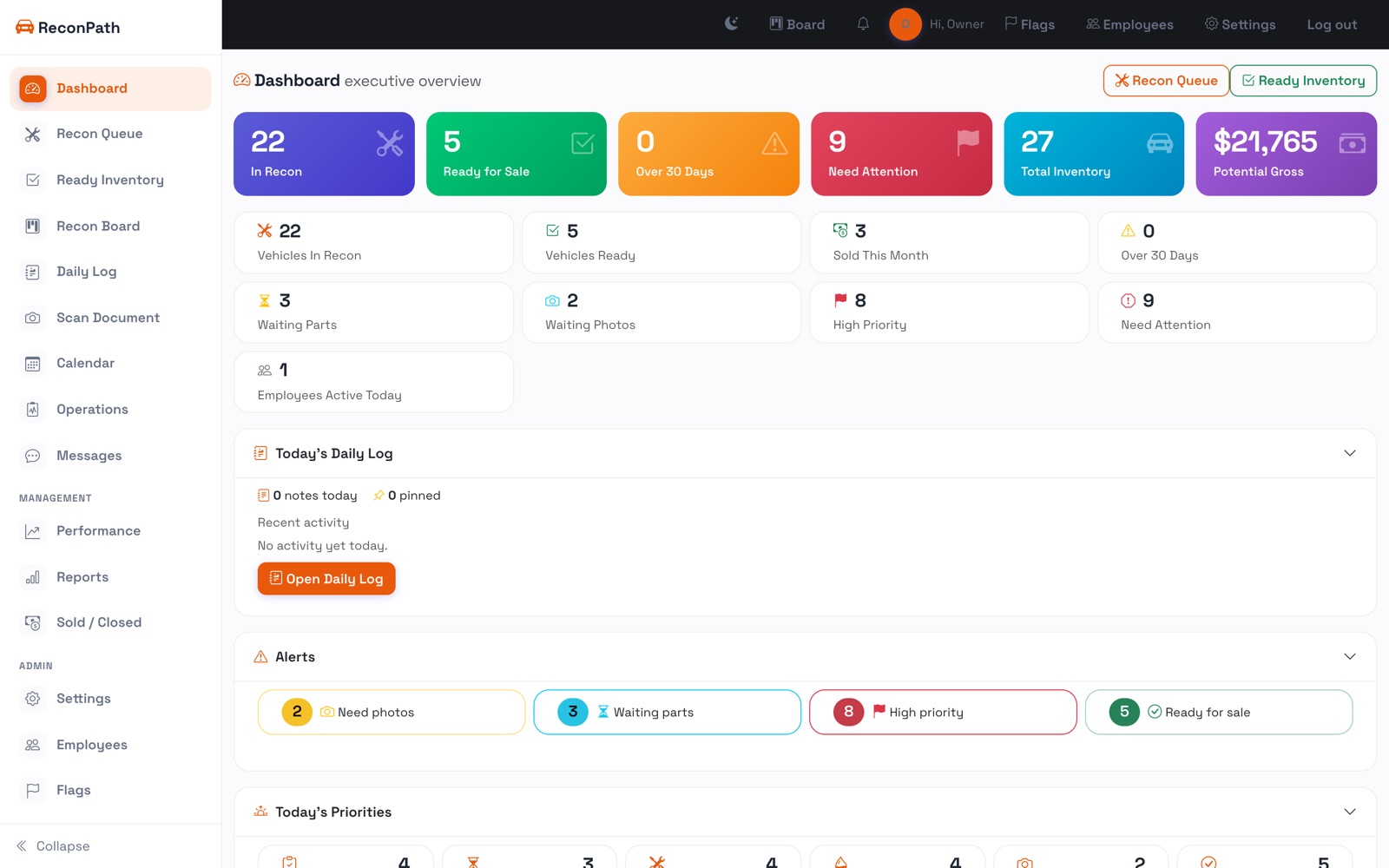
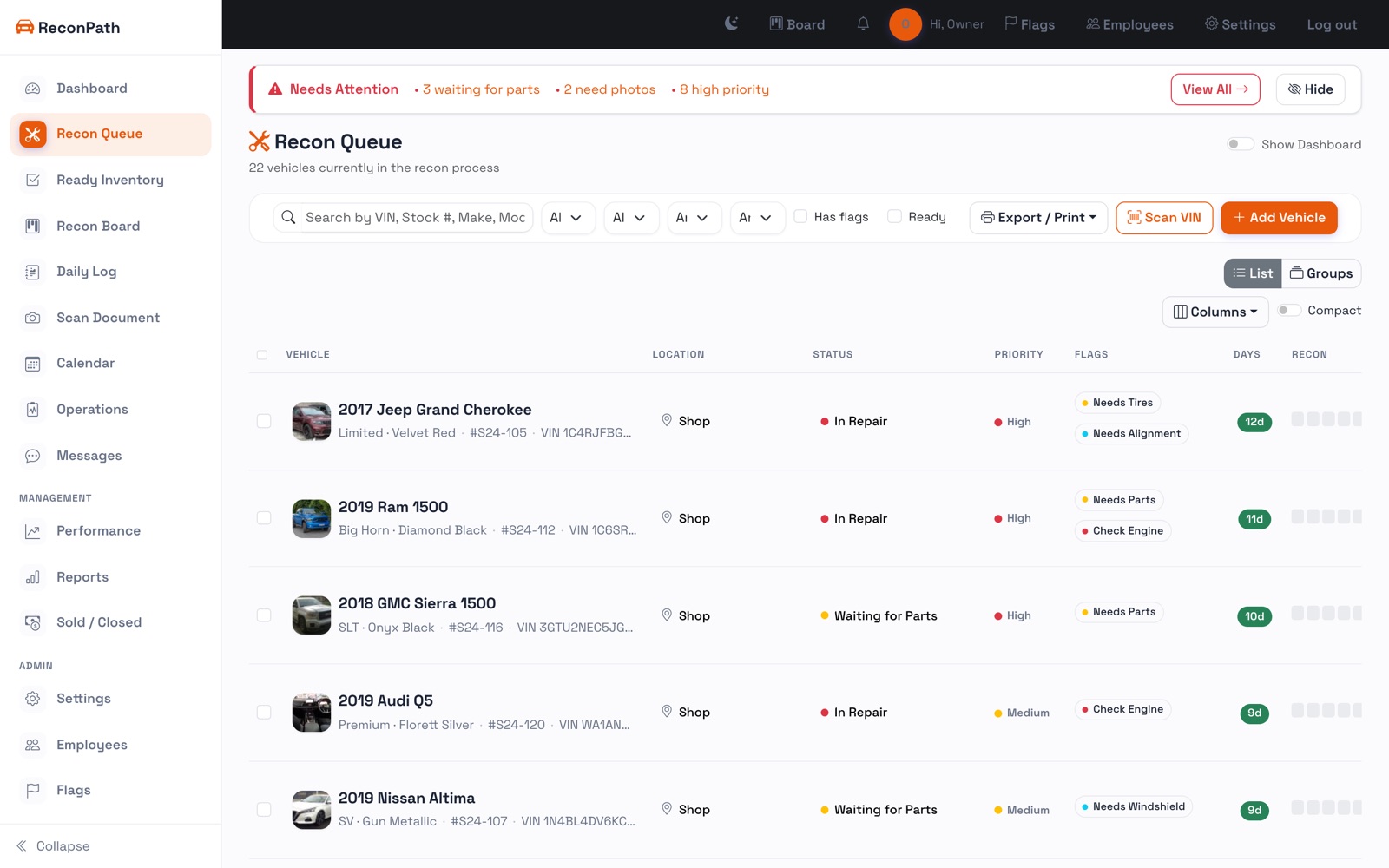
The left sidebar is how you move around: Recon Queue (everything in recon), Ready Inventory, the Recon Board, your Daily Log, and, under Management, Performance, Reports, and Sold / Closed. Admin settings and employees sit at the bottom.
Your first hour
- Add a handful of units so the queue has real data: add a vehicle.
- Invite your team so status updates come from the people doing the work: manage employees.
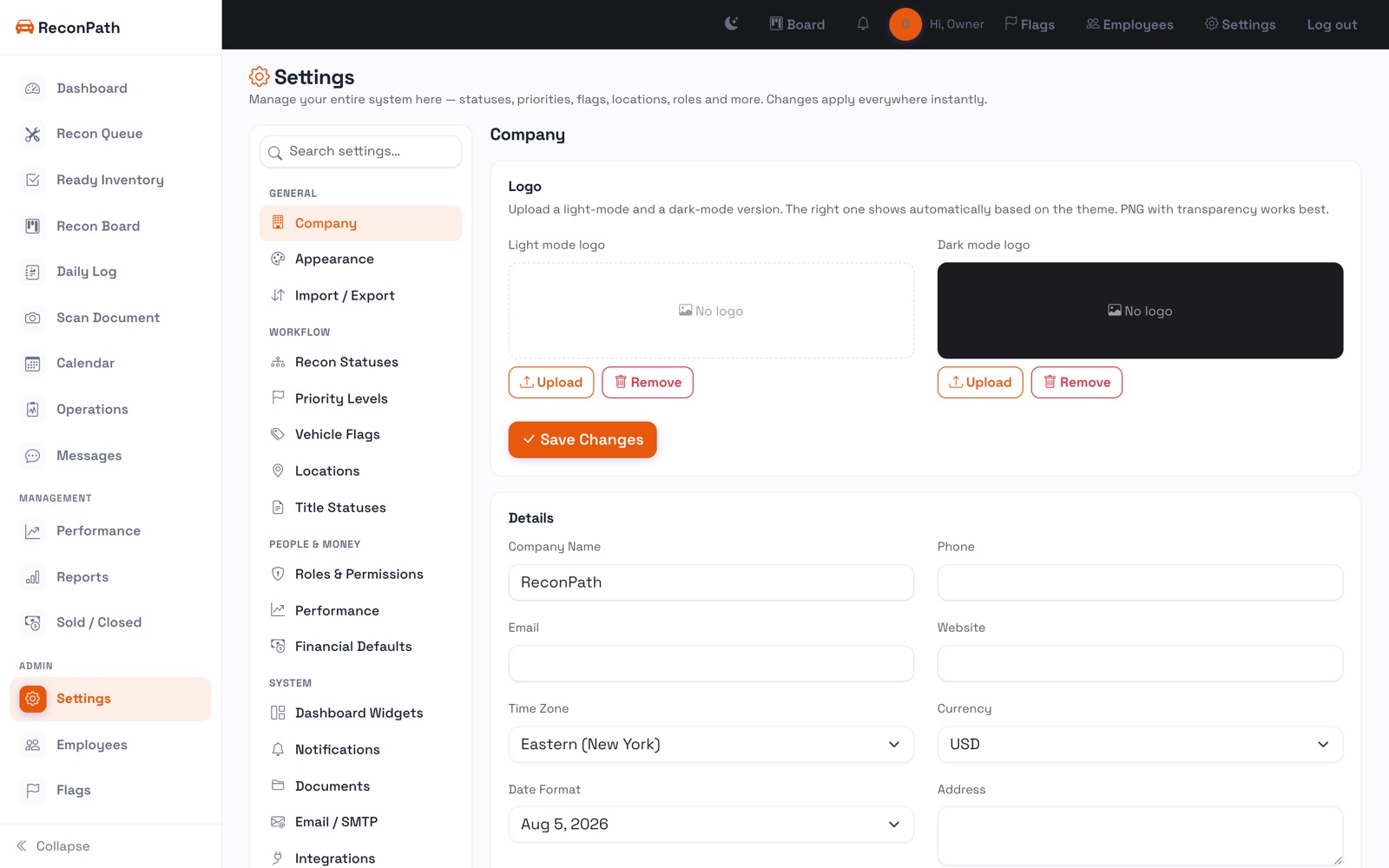
- Set your locations and statuses to match how your store actually runs: settings.
You don't have to finish setup before you start. Add cars as they come in and the numbers build themselves.