Managing employees
Add your team and give each person the right access.
yourstore.reconpath.comLive app
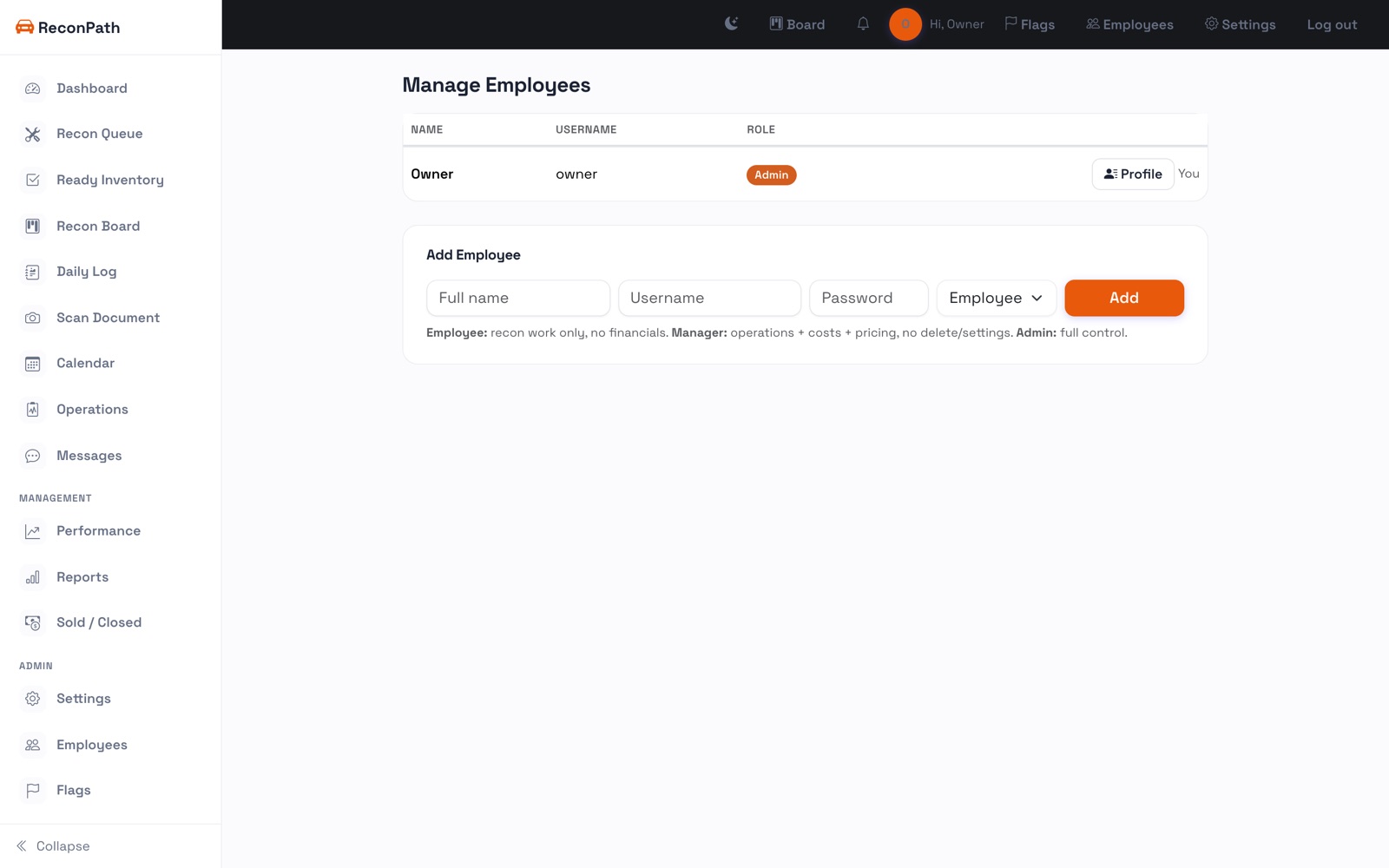
Go to Employees to add your people. Each gets a login and a role (owner, manager, mechanic, or salesperson) that controls what they can see and do.
Roles at a glance
- Owner / Manager: full access, including settings, employees, and commissions approval.
- Mechanic: works the recon lane and checklists.
- Salesperson: inventory and their own commissions.
You can reset a password, disable an account, or reassign work anytime.