Adding a vehicle
Add a unit by VIN in seconds, or enter it by hand.
 1 / 3
1 / 3
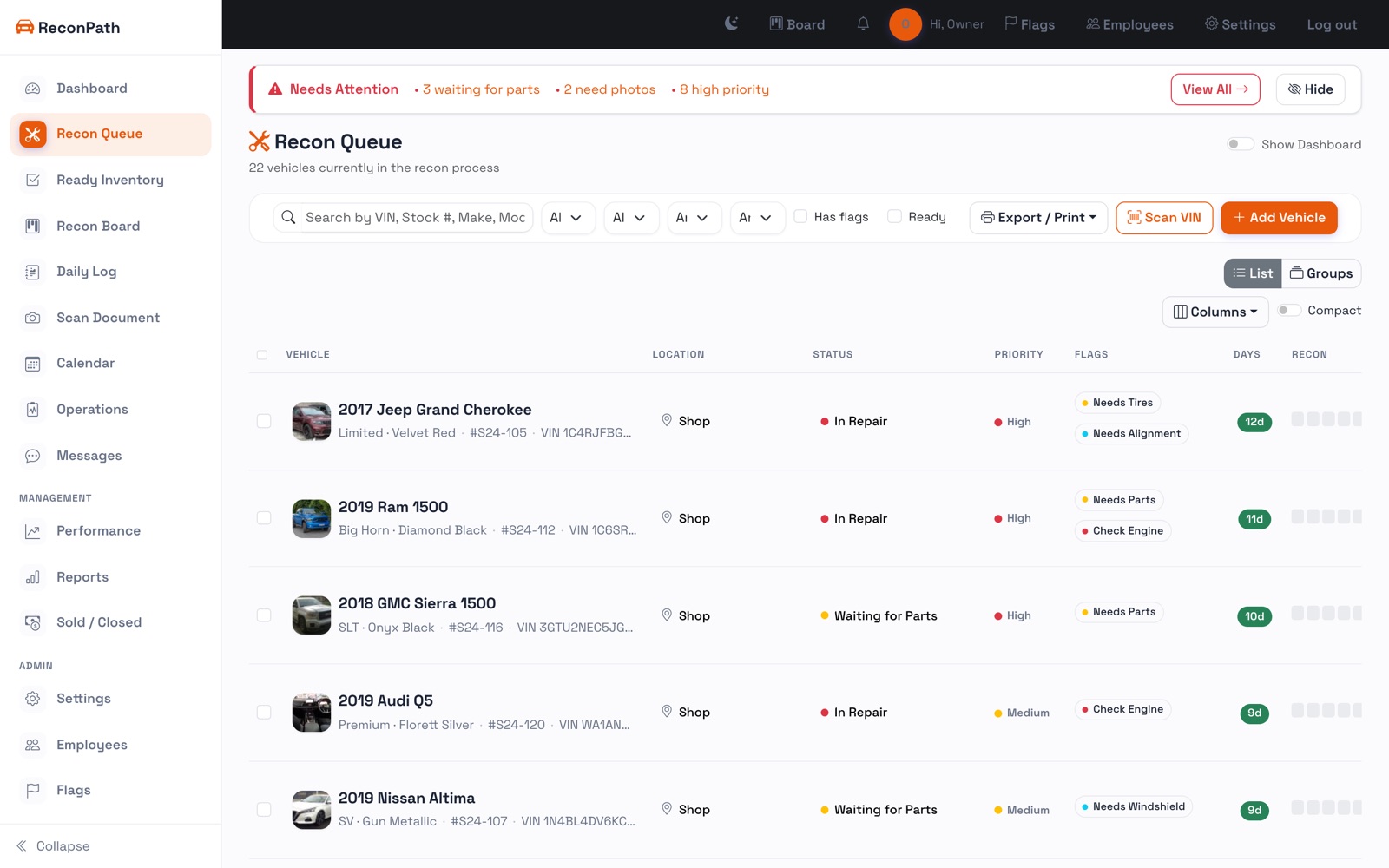
From the Recon Queue, press Add Vehicle. You have two fast ways in:
By VIN
Type or paste the VIN and the year, make, and model fill in automatically. On a phone, use Scan VIN to read the barcode off the door jamb or windshield, no typing.
By hand
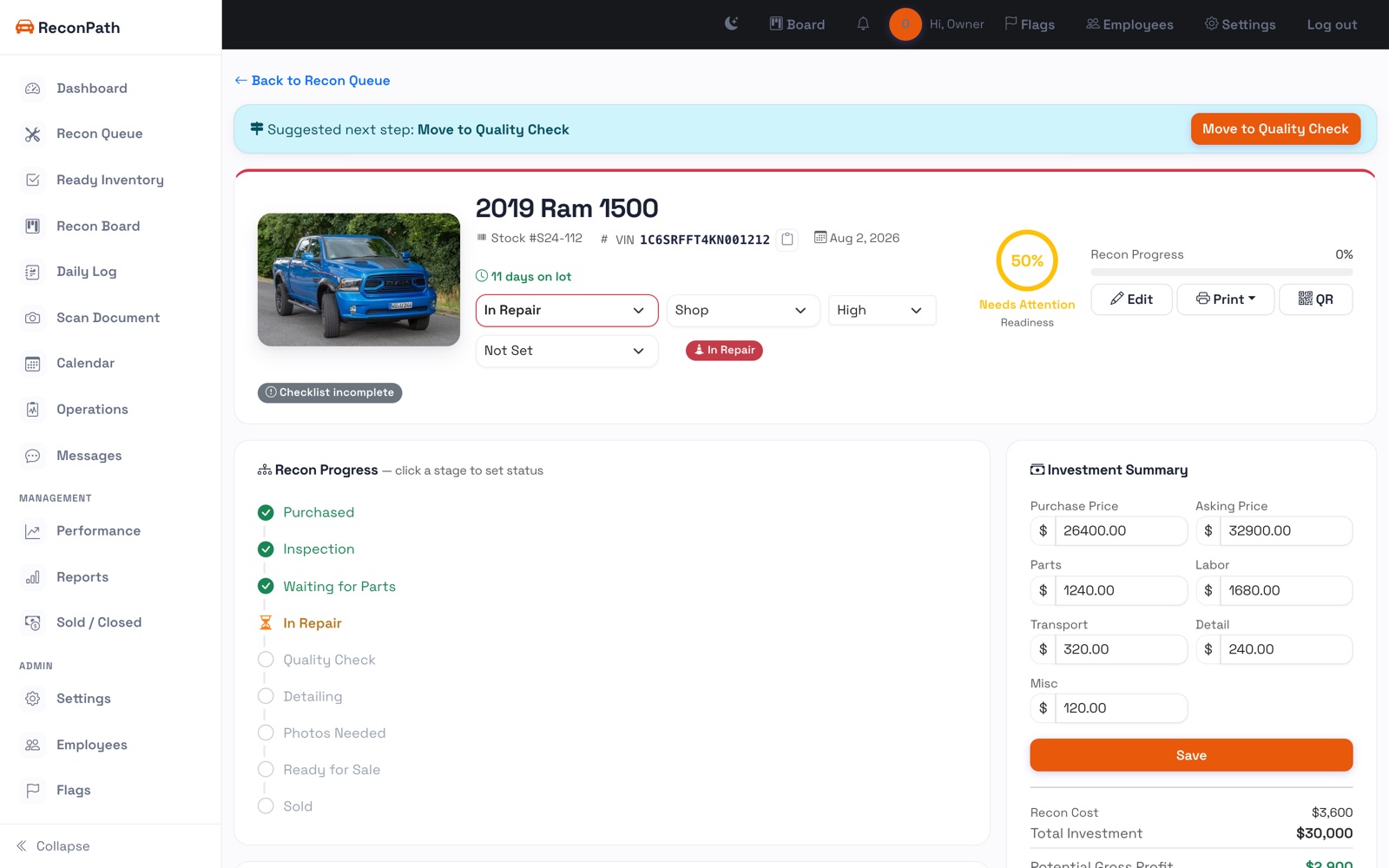
Enter the stock number, year, make and model yourself. You can always add the VIN, color, mileage, and price later.
Set the starting point
Give the unit a status (usually Purchased), a location, and a priority. The day it's added, the recon clock starts, and that's the number you'll be watching.