The Recon Queue
Every unit in recon on one screen, aging in plain sight.
 1 / 3
1 / 3
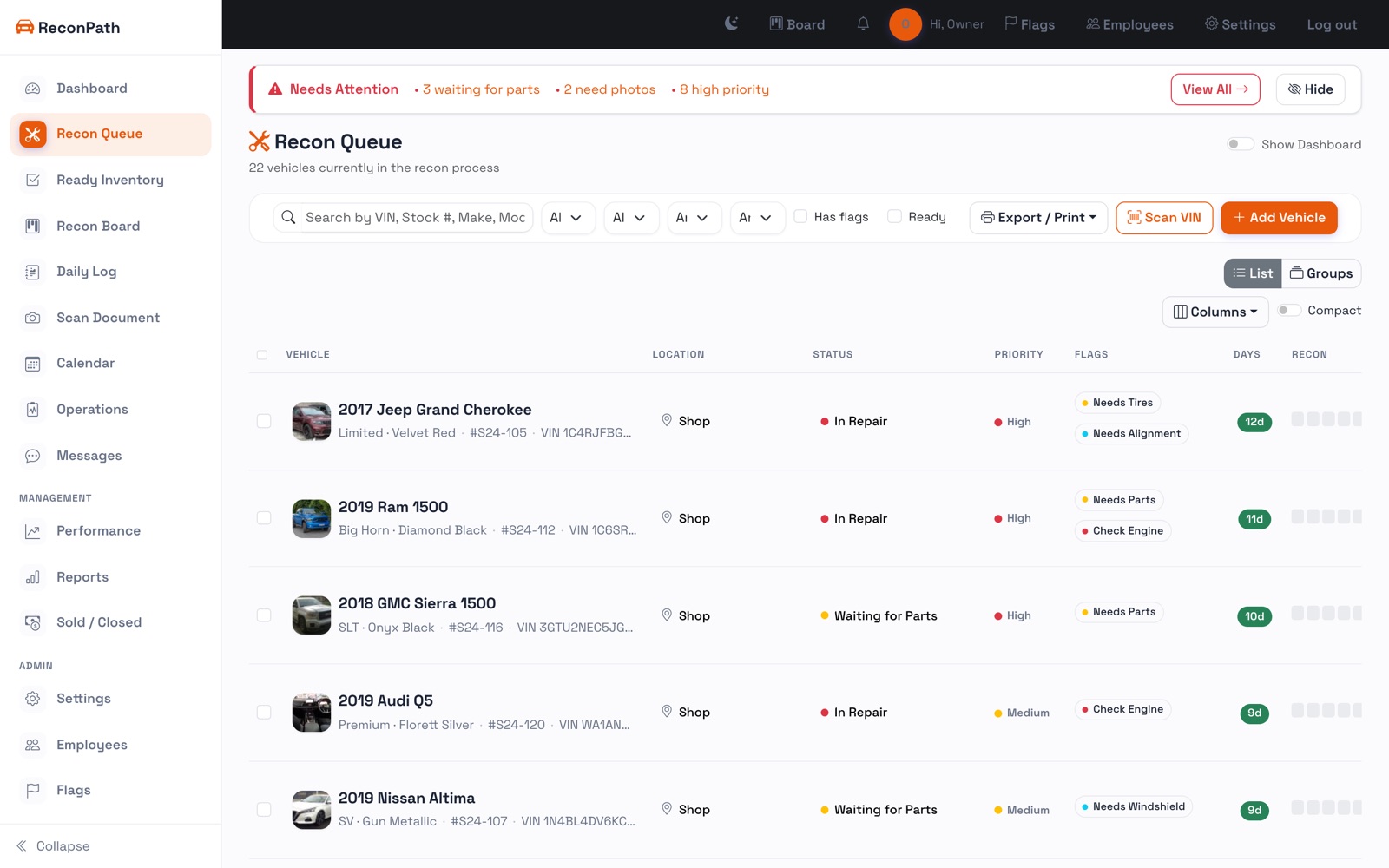
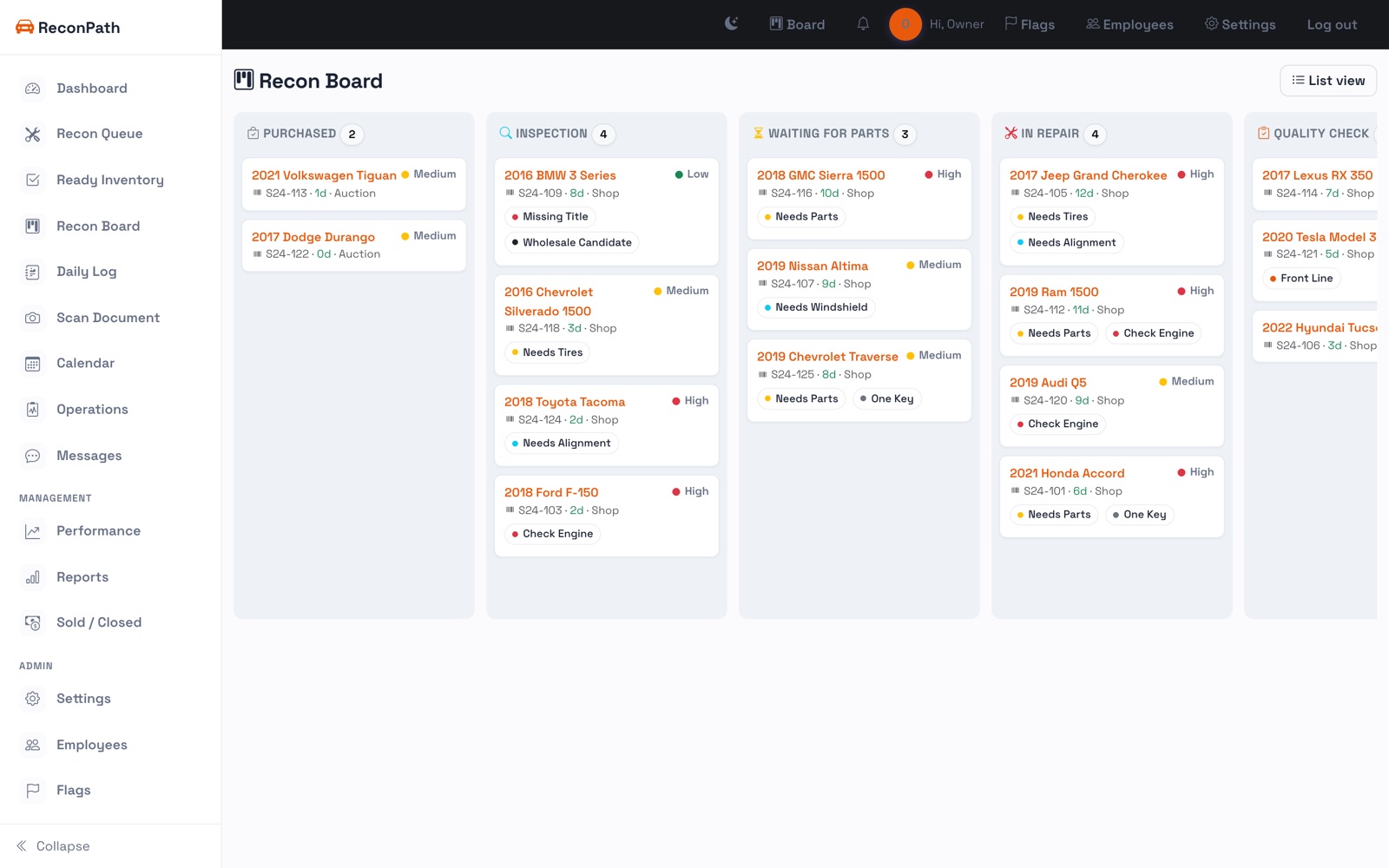
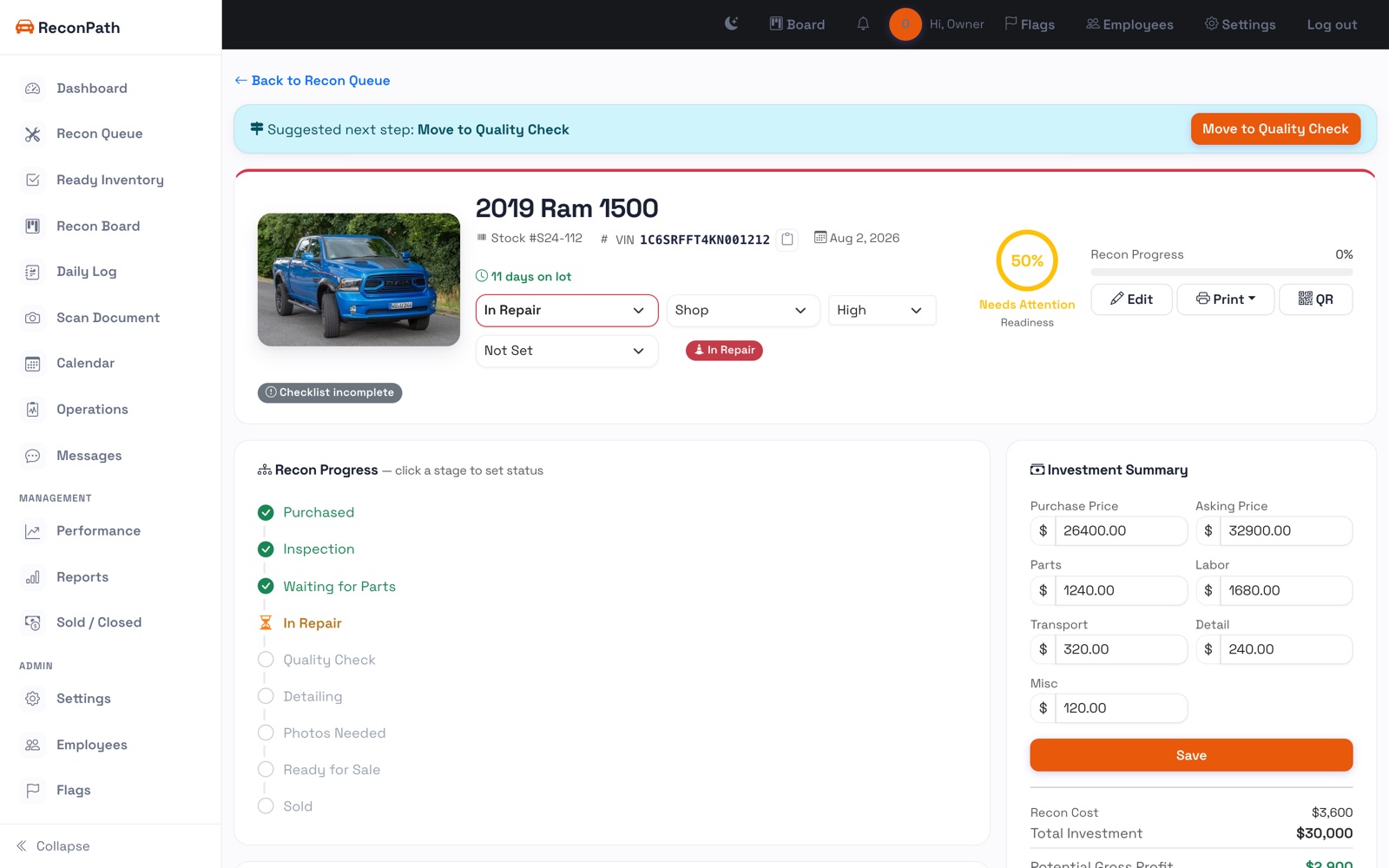
The Recon Queue is home base. Every vehicle that isn't front-line-ready shows here, with its status, location, priority, days in recon, recon progress, and title status.
Read the days
The Days column is color-coded, green when it's fresh, amber and red as it ages. That's your early warning that a unit is stalling.
Find anything fast
Search by VIN, stock number, make, or model. Filter by status, location, or priority, or flip on Has flags to see only the units that need attention. Toggle Compact for more rows at a glance, or switch to Groups to bucket by status.
Update in one tap
Change a unit's status, location, or priority right from the row, no need to open it. Whoever's standing next to the car can move it along from their phone.