Set up your dealership website
Pick a theme, add your logo and photos, and go live in an afternoon.
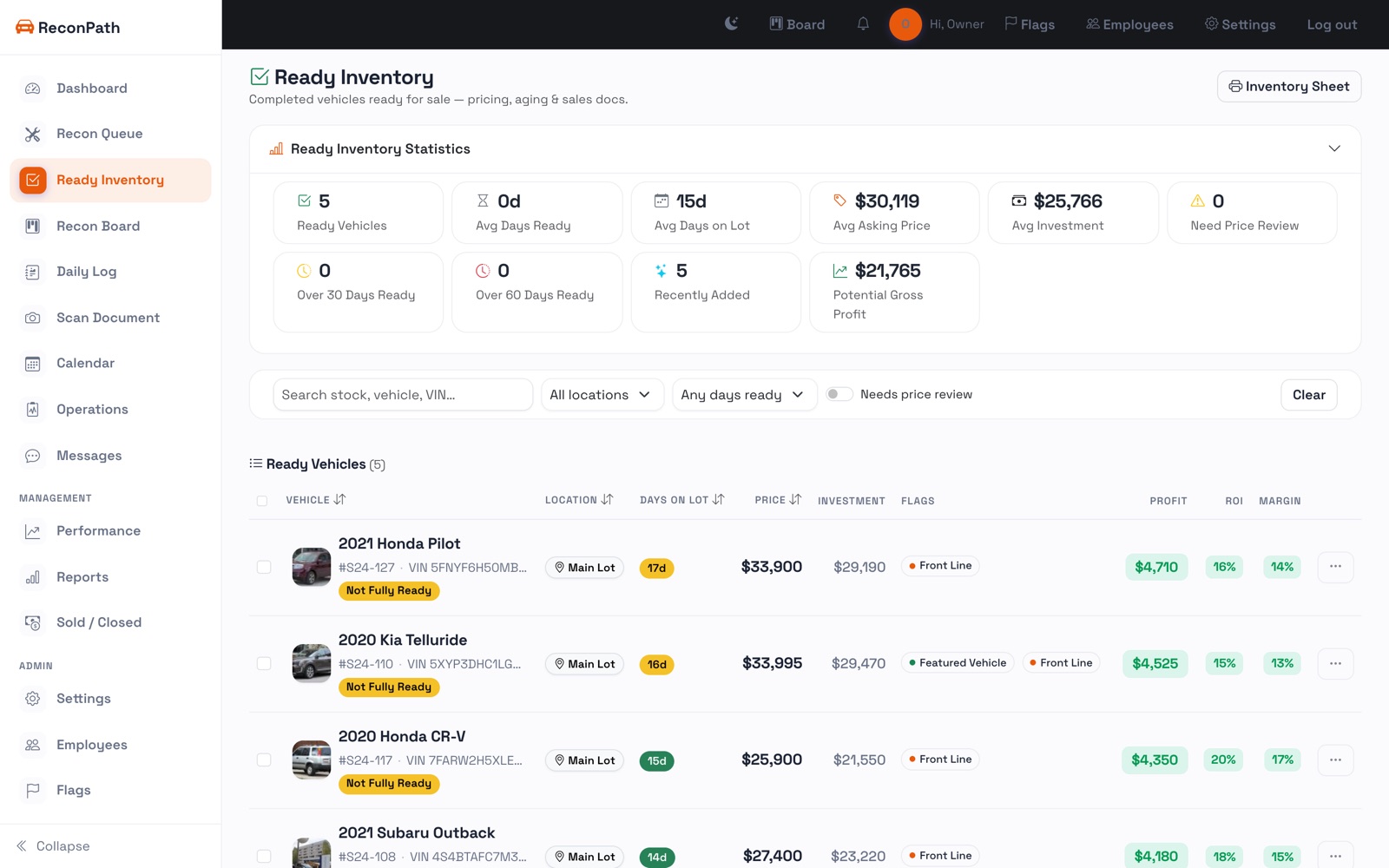
Every ReconPath dealer gets a real car-buying website that lists your inventory automatically. There is nothing to build from scratch, the cars you already manage become the site. Open Website in the sidebar to set it up.
1. Pick a theme
On the Site tab you will see 20 themes. Hover any one and press Preview to see it with your own inventory, then press Use to apply it. You can switch themes anytime, it never changes your cars or your data.
2. Add your branding
Under Branding, upload your logo and a hero photo for the top of the home page, and set your brand color. Use a clear logo on a transparent or white background (a PNG works best), and a wide, high-quality hero image, your lot, your showroom, or a featured car.
3. Fill in your contact details
Add your business name, address, phone, email, and hours. Your address powers the map on your contact page, and every website inquiry is sent to you. Add your Facebook and Instagram links to show them in the footer.
4. Add photos to your vehicles
Photos sell cars, so this is the step that matters most. Open any vehicle in ReconPath and use its Photos section to upload pictures:
- The first photo is the cover, it is what shows on the inventory grid and at the top of the vehicle page. Drag photos to reorder them.
- Aim for 6 to 12 photos per car: front three-quarter, side, rear, interior, dash, odometer, and any features or flaws.
- Shoot in landscape (sideways) in good light, and wipe the car down first. Phone photos are fine.
- Every photo you add appears in the vehicle gallery on your website automatically, no re-uploading.
Cars that do not have photos yet still show up, with a tidy “Photos coming soon” placeholder, so your site never looks broken. Add the pictures later and they replace the placeholder on their own.
5. Preview and go live
Press Open full preview to walk your whole site the way a buyer would. When it looks right, it is already live at the free web address we give you (your-lot.sites.reconpath.com). Share it, or put your own domain on it next.
Ready to use your own web address? See connect your domain.